


Multi AI Models
All Your AI Models, One Workspace
Give your team GPT, Claude, Gemini, Mistral, and more in a single secure workspace—with agents, shared prompts, and admin controls built in to replace multiple AI tools.

Trusted by innovators & industry leaders










Stop Paying for Separate ChatGPT, Claude, and Gemini Accounts
Chat with all AI models/LLMs in one click
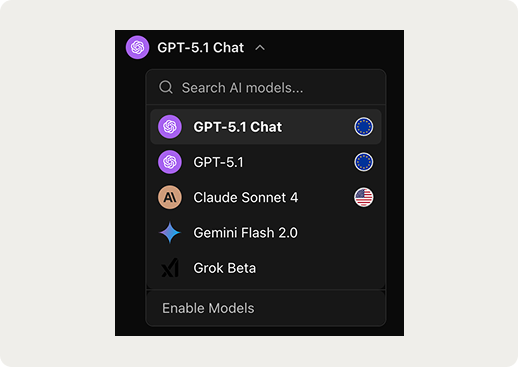
Choose the Best Model for Each Task Without Leaving the Workspace
- Draft with GPT, refine with Claude, analyze data with Gemini.
- Use lightweight models for drafting, premium for final outputs.
- Switch underlying model of an agent/workflow in one click.

Agents and Shared Prompts Your Whole Team Can Reuse
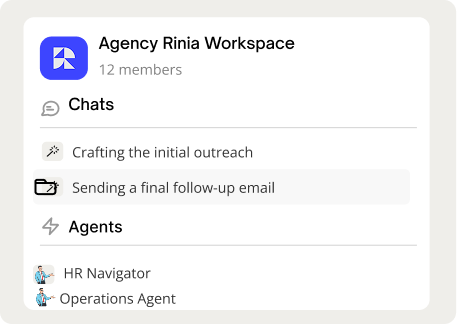
- Agents: reusable AI co‑pilots on company data (support, marketing, ops)
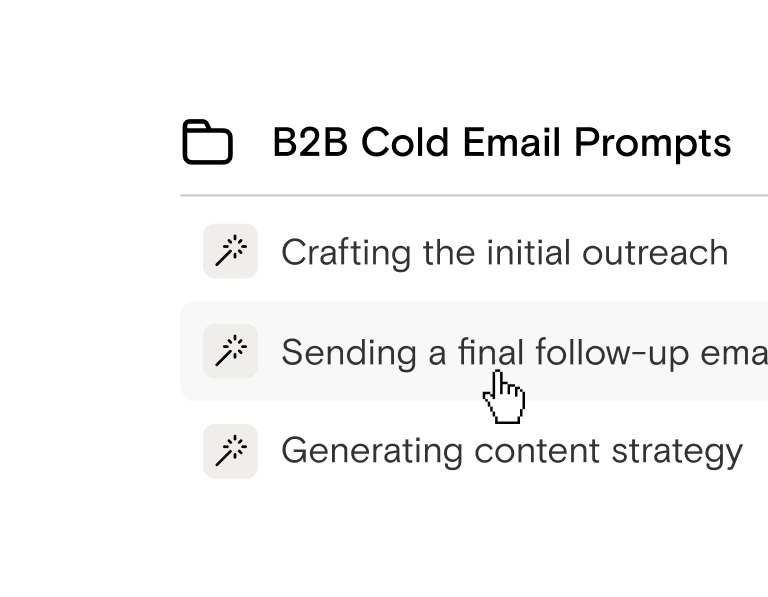
- Shared prompts: central library for best prompts, grouped by team.
- Projects:collections of chats, files, and agents around one initiative.
Give Teams Flexibility. Keep IT in Control.
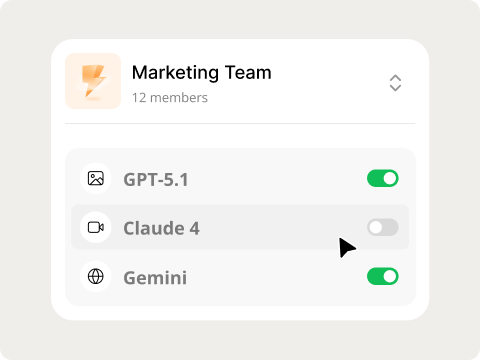
- Group‑level permissions per department (Marketing, Sales, Legal, etc.).
- Enable/disable providers and models per group
- Managed models or Bring Your Own Model (BYOM/BYOK) for cost control and compliance
Get Started this week
Get your first team live in a week with a simple three‑step rollout.
1. Connect Models
Connect your existing provider accounts in minutes, or use AICamp-managed models with instant access and zero setup.
2. Create Groups & Access Rules
Set up 1–2 groups (like Marketing or Product), assign teammates, and enable specific models and agents for each group with granular, role‑based controls.
3. Deploy Agents & Scale
Add custom agents and shared prompts, roll them out to your pilot team in one session, then expand AI adoption across your organization with full visibility into usage and spend.
Two Ways to Access AI Models in AICamp
AICamp Managed Models
- Instant access to top AI models with zero setup
- Hosted securely in EU/US cloud (Azure + AWS)
- No API keys to manage fully audited model usage out-of-the-box
Bring Your Own Model (BYOM)
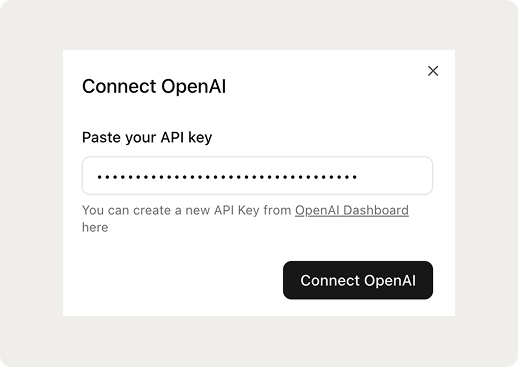
- Connect your existing provider accounts in minutes
- Use your own API keys and pricing with centralized controls
- Keep your data rules while AICamp handles compliance guardrails
Move your team into one AI workspace
Standardize how your teams use AI with a single multi‑model workspace for all your chats, agents, and shared prompts. Cut scattered subscriptions, reduce shadow AI, and give everyone governed access to GPT, Claude, Gemini, Mistral, and more in one place.
FAQs
Why do teams need a multimodel AI platform instead of using tools like ChatGPT or Claude separately?

Using individual tools leads to data fragmentation, inconsistent access, unmanaged accounts, and security risks. AICamp centralizes all models in one secure, governed environment so teams can work faster without juggling logins or tools.
Managing multiple model providers is complicated. Can AICamp simplify this?
Yes. AICamp configures model access once and deploys it everywhere. You don’t need separate API keys, vendor logins, or model-specific setup it’s all unified in one place.
Our AI costs are unpredictable. Can AICamp help us control spending?
Absolutely. You can set budgets per team, track usage in real time, and block overages automatically. No more surprise invoices from multiple AI vendors.
How does AICamp help prevent shadow AI tools inside my company?
AICamp gives employees a secure, approved AI workspace so they don’t need to rely on risky public tools. Admins get audit logs, permissions, and unified oversight across all model usage.
We want different models for different tasks. Does AICamp support switching easily?
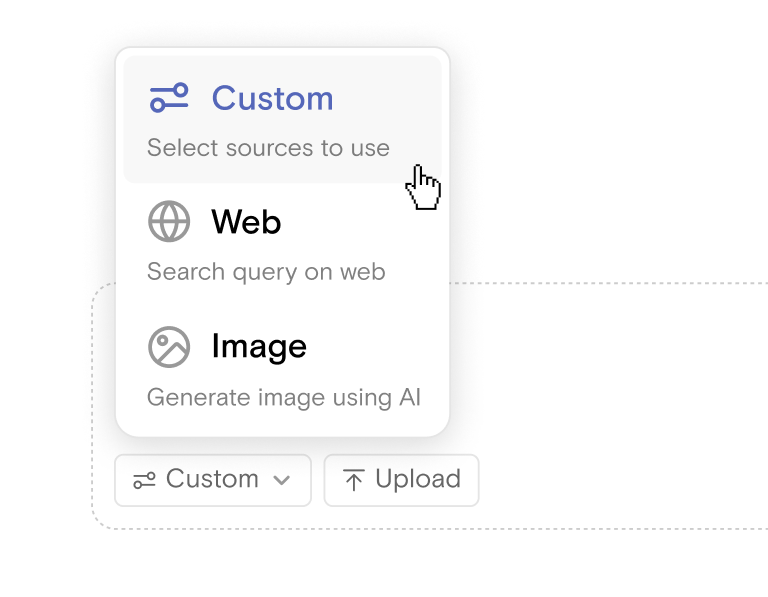
Yes. You can use models from OpenAI, Anthropic, Google, Meta, Mistral, or your own APIs and switch between them instantly based on accuracy, cost, or compliance requirements.
How can we integrate our existing model accounts?
With BYOM (Bring Your Own Model), you connect provider accounts in minutes. You keep your pricing and API keys, while AICamp manages access, governance, and security.
We worry about data leakage. How does AICamp protect our information?
All prompts, files, and history stay within your controlled workspace. None of your data trains external models. AICamp enforces secure processing, GDPR compliance, and full auditability.
Our teams aren’t technical. Can they use multiple models without coding?
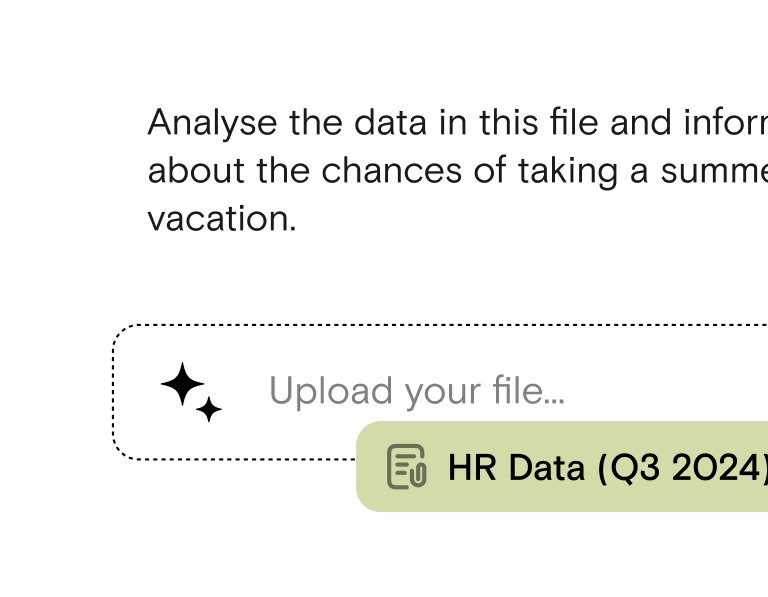
Yes. AICamp is designed for non-technical users. Employees can chat with any model, analyze documents, and collaborate with zero coding or setup.
What if we switch to a new AI model in the future?
AICamp is future-proof. You can add or replace AI models instantly, without migration projects or infrastructure changes.
Can we control which teams or roles get access to specific models?
Yes. You can assign model access based on team, role, or project. This ensures that sensitive departments only use approved models while others can experiment freely.



Ready to join the AI revolution? Join AICamp today.


We’re serious about security. AICamp is GDPR compliant and operates as per ISO standards.


