


A year ago, most teams were asking: “Which AI tool should we use?”
Now the question has changed: “How do we make AI actually work across our team?”
Access is no longer the problem. Between ChatGPT, Claude, Mistral, and a dozen frontends, most employees already have multiple AI tabs open. The real problem is that usage is scattered: people save prompts in Notion, private chats, or browser bookmarks; knowledge stays with individuals; and there’s no shared structure for what actually works.
That’s where tools like LobeChat came in. LobeChat gives developers and technical teams a beautiful, self‑hosted, multi‑model UI they can run on their own infra. It solves the “we want a better frontend we control” problem. But if you’re now thinking about rolling AI out beyond the dev team to operations, sales, support, or leadership you may need something that focuses less on just access and more on adoption, governance, and workflows.
In this guide, we’ll look at the best LobeChat alternatives, what each one really enables, where they work well, and where they may not fit so you can choose the right tool for how your company actually wants to use AI.
TL;DR: Best LobeChat alternatives
- AICamp – Best LobeChat alternative if you want structured AI rollout to employees with multimodel access, projects, agents, and governance.
- ChatGPT Team – Best if you need a simple shared GPT workspace with almost no setup.
- Claude Team – Best for organizations that prefer Claude and want team features plus large‑context reasoning.
- Langdock – Best for companies that need an EU‑first AI workspace with a strong privacy posture.
- Juma – Best for marketing teams that want AI baked into campaign and content workflows.
- LibreChat – Best for teams that want an open‑source, self‑hosted AI workspace with full control.
- Google Gemini (Team / Enterprise) – Best if you live in Google Workspace and want AI across Docs, Sheets, Gmail, and Slides.
- Dust – Best when you need agents tightly wired into your systems and workflows (like Slack and internal tools).
- Microsoft Copilot – Best if your world runs on Microsoft 365 and you want AI inside Office apps and Teams.
- TypingMind Teams – Best for smaller teams that want a lightweight, multi‑model chat UI with some team features.
- nexos.ai – Best if you want a central LLM workspace + gateway to manage, compare, and govern multiple models.
- OpenWebUI – Best for local or self‑hosted models with a modern web UI.
- Mistral Le Chat – Best for teams that specifically want Mistral models with a simple hosted interface.
- Amazon Q – Best for AWS‑centric organizations that want AI over AWS and internal data sources with strong cloud governance.
Access vs adoption (why LobeChat alternatives matter)
At the feature list level, LobeChat and many of its alternatives look similar: multi‑model chat, nice UI, some collaboration, maybe plugins. But the important split isn’t the UI it’s the approach:
Access‑first tools (like LobeChat, LibreChat, TypingMind, Mistral Le Chat) make it easy to talk to models, especially with self‑hosting or BYO APIs.
Adoption‑first tools (like AICamp, Nexos.ai, Langdock, Amazon Q) focus on shared knowledge, structured workflows, governance, and reporting—so you can actually scale what works across teams.
LobeChat sits strongly in the access‑first, self‑hosted corner. If that’s all you need, it’s great. If you’re trying to roll AI out across non‑technical teams, you likely want something closer to adoption‑first.
What is LobeChat?
LobeChat is an open‑source, modern AI chat framework and UI that you can self‑host and extend. It supports multiple AI providers (like OpenAI, Claude, Gemini, Ollama, Qwen, DeepSeek, etc.), so you can plug in your own APIs or local models and switch between them from a single interface.
Under the hood, LobeChat is built as a full framework, not just a UI: it offers plugin support, function‑calling extensions, multimodal capabilities (including vision and voice), file upload and knowledge bases, and flexible deployment options (web, desktop, and server). For technical teams, that means you can turn it into a customized, private “ChatGPT‑style” app that runs on your own infrastructure and connects to the models and tools you choose.
Why you should look for LobeChat alternatives
LobeChat is excellent if you’re a developer‑led team that wants a powerful, self‑hosted multi‑model UI and you’re comfortable running and maintaining infrastructure. But as soon as you start thinking about company‑wide AI adoption rolling AI out to non‑technical teams, adding governance, tracking usage, and standardizing workflows LobeChat’s strengths can become its limitations. It gives you a great frontend, but it doesn’t try to be a full rollout platform with training, enablement, admin reporting, or opinionated workflows built in.
You might look for LobeChat alternatives if:
- You want structured rollout (roles, groups, projects, usage insights) so AI becomes part of everyday work for many teams, not just a few power users.
- You prefer a hosted solution with enterprise support instead of running and patching your own stack.
- Your security team wants clear guarantees around SSO, RBAC, audit logs, and data residency without building everything yourself.
- Or, on the flip side, you want something even more focused (like Copilot or Gemini inside your productivity suite) and don’t actually need to manage a separate UI at all.
In those cases, tools like AICamp, nexos.ai, LibreChat, OpenWebUI, TypingMind, Copilot, Gemini, or Amazon Q can be a better fit depending on whether you’re optimizing for adoption, control, ecosystem integration, or simplicity.
Quick view: LobeChat alternatives (with pricing)
| Tool | What it enables | Where it works well | Where it may not fit | Indicative pricing (2026) |
|---|---|---|---|---|
| AICamp | Structured AI rollout with multimodel chat, projects, agents, and governance | Rolling AI out to employees with shared workflows and guardrails | Very small or dev‑only teams that just want a simple UI | ≈ $20/user/month model‑incl.; ≈ $12/user/month BYOaicamp+1 |
| ChatGPT Team | Shared GPT workspace with centralized billing | Teams already using ChatGPT heavily | Orgs needing self‑hosting, OSS, or multimodel strategy | ≈ $30/user/month (Team tier) |
| Claude Team | Team workspace around Claude models and long context | Teams that prefer Claude for reasoning and long documents | Multi‑provider, self‑hosted, or infra‑controlled deployments | ≈ $25/user/month (Team) |
| Langdock | EU‑first AI workspace with chat, workflows, projects | Companies with EU data/privacy priorities | Teams needing full self‑hosting and infra ownership | High‑20s to low‑30s USD/user/month (public tiers) |
| Juma | Marketing‑focused AI workspace for campaigns and content | Marketing teams and agencies standardizing prompts and campaigns | Engineering, ops, or company‑wide rollout beyond marketing | Low–mid per‑user; business plans ≈ $20–40/month |
| LibreChat | Open‑source, self‑hosted multi‑model AI workspace | Engineering‑led orgs wanting full control and OSS stack | Non‑technical teams that don’t want to run or maintain servers | Software free; infra + model APIs onlygithub+1 |
| Google Gemini | AI embedded across Docs, Sheets, Gmail, Slides | Orgs standardized on Google Workspace | Self‑hosted, OSS, or strongly multimodel strategies | ≈ $14–22/user/month add‑on (Team/Enterprise) |
| Dust | System‑connected agents in Slack and business tools | Workflows where agents need to read/act in existing systems | Teams that only need a simple chat/frontend without deep automations | ≈ $29/user/month; enterprise tiers on quote |
| Microsoft Copilot | AI across Word, Excel, PowerPoint, Outlook, Teams | Microsoft 365‑centric organizations | Orgs outside Microsoft ecosystem or needing OSS/self‑hosted | ≈ $18–30/user/month add‑on |
| TypingMind Teams | Hosted, polished multi‑model chat UI with team features | Small teams wanting better UX over their own API keys | Enterprises needing deep RBAC, SSO, and rollout programs | From ≈ $83/month (includes 5 seats)custom.typingmind+2 |
| Nexos.ai | Central LLM workspace + gateway with routing and logging | Orgs wanting a control plane for multiple LLMs and teams | Tiny teams or dev‑only setups that just need a simple UI | Mid‑range per‑user; gateway from a few hundred/monthnexos |
| OpenWebUI | Web UI for local and remote models | Teams running local models or self‑hosted inference | Non‑technical orgs avoiding infra management | Software free; infra only |
| Mistral Le Chat | Hosted interface for Mistral models | Teams betting on Mistral for cost/perf or EU reasons | Multi‑provider or self‑hosted frontends | Free + low‑cost org tiers (usage‑based) |
| Amazon Q | AI over AWS resources and connected business data | AWS‑centric orgs needing AI on infra, apps, and internal data | Orgs not on AWS or just wanting a general chat/frontend | Lite ≈ $3/user/month; Business ≈ $20/user/month |
1. AICamp
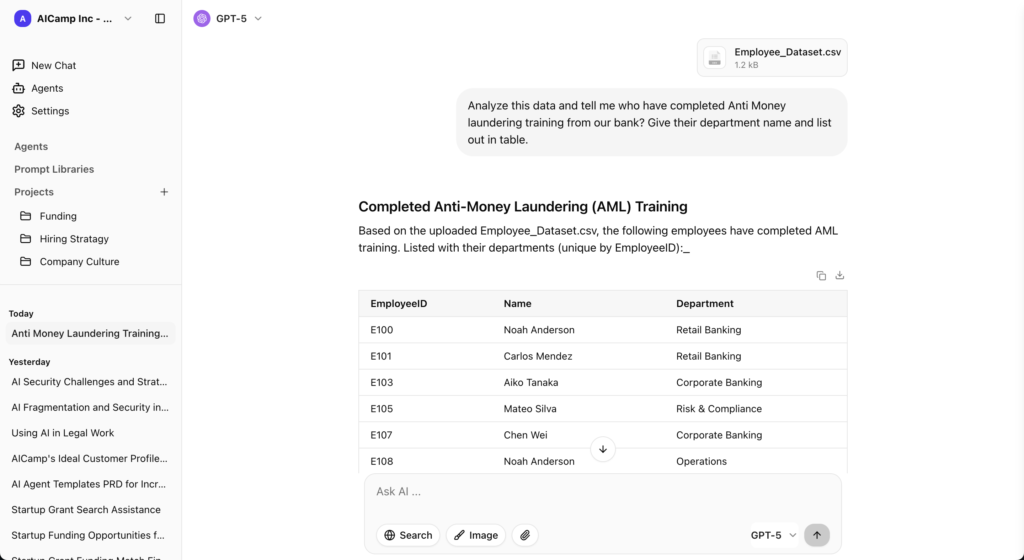
AICamp is an AI workspace and rollout platform built for small and mid‑sized enterprises that want to roll out AI to employees with multimodel access, structure, and governance. Instead of just giving everyone a chatbox, it bundles chat, projects, agents, knowledge, and admin controls in one place so teams can use AI in their real workflows.
What it enables
AICamp enables you to move from “a few people playing with AI frontends” to structured, company‑wide AI usage. It gives you multimodel chat, shared assistants, projects, knowledge, and agents in one workspace, plus roles, groups, and admin controls so you can decide who sees what and which models they can use.
Where it works well
- When you want to roll AI out to employees, not just developers
- When you care about multimodel + BYO and don’t want to be locked into a single vendor
- When leadership wants visibility, guardrails, and enablement, not just another chat UI
Where it may not fit
- If your only goal is to host your own UI on your own infra with maximum DIY control
- If you’re a tiny, dev‑only team that just wants a sandbox for different model APIs
Pricing
- Model‑included plan around $20/user/month for most teams.
- BYO‑model plan around $12/user/month if you bring your own LLM APIs.
ChatGPT Team – simple, hosted alternative to LobeChat
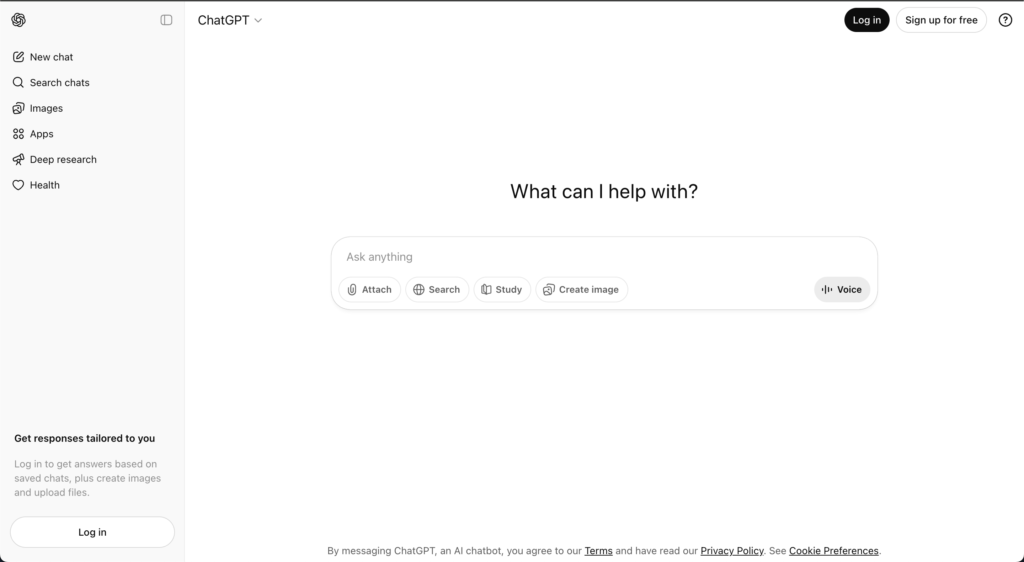
ChatGPT Team is OpenAI’s team plan that turns individual ChatGPT usage into a shared workspace with centralized billing and light admin controls. It’s still primarily a single‑vendor chat interface, but with shared workspaces and some basic collaboration and management features.
What it enables
ChatGPT Team enables a shared GPT workspace for your team with centralized billing and simple admin. It’s the fastest way to standardize on “everyone just uses ChatGPT here” without building or hosting anything.
Where it works well
- Small‑to‑mid teams that are already heavy ChatGPT users
- When you want to avoid managing infra, gateways, or complex setups
Where it may not fit
- If you specifically want self‑hosting or open‑source
- If you need multimodel access or fine‑grained control over where models run
Pricing
Team plan typically around $30/user/month, billed per seat.
Claude Team – LobeChat alternative for Claude‑first orgs
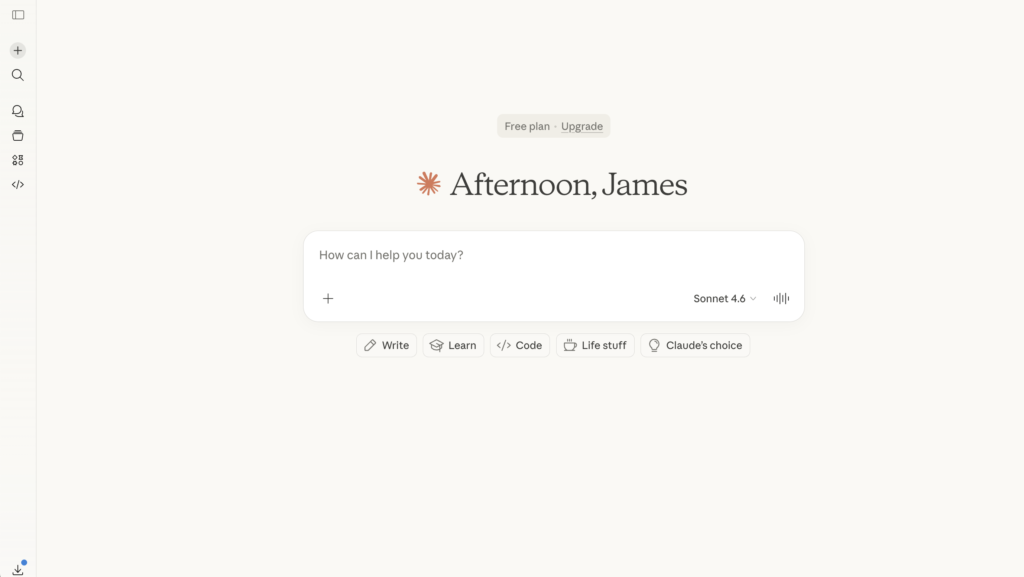
Claude Team gives organizations a shared workspace for Anthropic’s Claude models, including long‑context versions ideal for large documents and complex reasoning. It focuses on high‑quality responses, safety, and collaboration around Claude’s strengths.
What it enables
Claude Team enables a shared space around Claude models, with long‑context capabilities that are great for big documents, research, strategy, and code review. It focuses on quality responses and collaboration on top of Claude.
Where it works well
- Teams that already love Claude and want to standardize on it
- Use cases involving large documents or complex reasoning
Where it may not fit
- If you need a multi‑provider, self‑hosted UI like LobeChat
- If your strategy requires strict on‑prem or full open‑source components
Pricing
Team pricing generally in the mid‑20s USD per user per month range.
Langdock – EU‑first LobeChat alternative
Langdock is an EU‑first AI workspace aimed at teams that care deeply about data locality and privacy. It offers chat, workflows, projects, and role‑based sharing, with hosting and compliance aligned to European requirements.
What it enables
Langdock enables an EU‑centric AI workspace with chat, workflows, and projects, often hosted and governed with European data requirements in mind. It’s more of a structured workspace than a pure UI layer.
Where it works well
- Companies with EU data residency and privacy requirements
- Teams that want a governed workspace instead of just a dev‑driven frontend
Where it may not fit
- If you specifically need to host everything yourself end‑to‑end
- If your developers want maximum freedom over UI and infra
Pricing
Model‑included plans typically around the high‑20s USD per user per month mark, with BYO tiers slightly lower.
Juma – LobeChat alternative for marketing teams
Juma (often known as Team‑GPT) is an AI tool designed around marketing workflows: campaign planning, content creation, and team collaboration. It feels more like a project management layer for marketing with AI built in than a general‑purpose rollout platform.
What it enables
Juma enables marketing‑specific workflows: campaign planning, content production, and collaboration around prompts and briefs. It feels like project management for marketing with AI built in.
Where it works well
- In‑house marketing teams or agencies aiming to standardize campaign and content workflows
- When you want AI to live where marketing work already happens
Where it may not fit
- For engineering, ops, or cross‑functional rollout across the entire company
- If you need self‑hosting or deep technical control
Pricing
Free or low‑cost entry tiers; business/growth plans typically in the low‑20s to mid‑30s USD per user or per month range depending on seats and volume.
LibreChat – open‑source LobeChat sibling
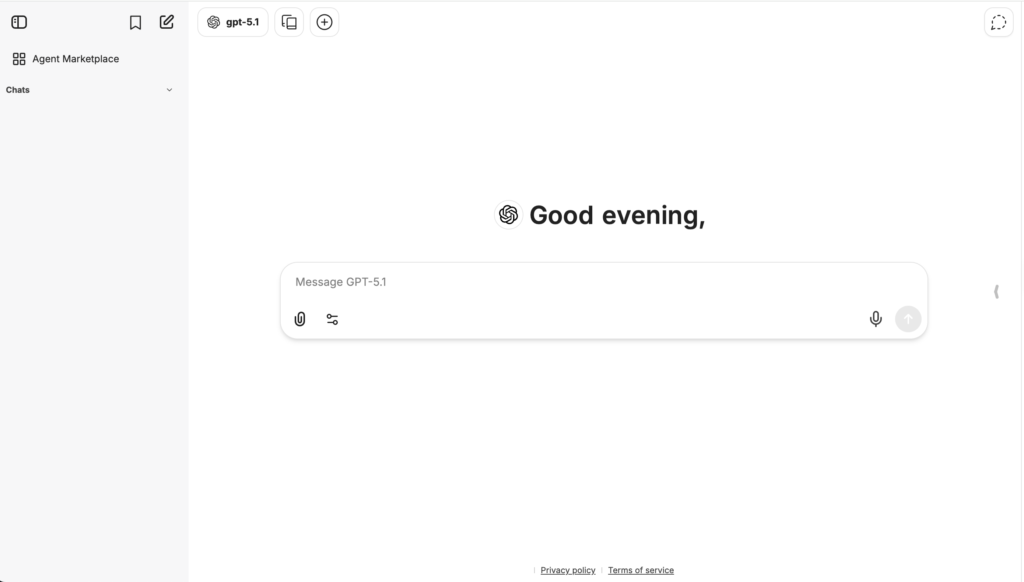
LibreChat is an open‑source, self‑hosted chat and agent interface that supports multiple models through APIs and custom backends. It gives technical teams complete control over where it runs, which models it uses, and how data flows.
What it enables
LibreChat enables an open‑source, self‑hosted AI workspace similar in spirit to LobeChat: multi‑model chat, custom backends, and team usage, all under your own control.
Where it works well
- Engineering‑led teams that want to fully own deployment and data paths
- Orgs that are comfortable running and securing their own infrastructure
Where it may not fit
- Non‑technical teams that don’t want to manage servers, updates, or scaling
- Leadership looking for out‑of‑the‑box governance, reporting, and enablement
Pricing
Software is free; you only pay for infrastructure and model API usage.
Google Gemini (Team / Enterprise) – LobeChat alternative inside Google Workspace
Gemini Team and Enterprise plans embed Google’s Gemini models across Docs, Sheets, Slides, Gmail, and Meet. Instead of a separate AI workspace, you get AI where people already work inside the Google ecosystem.
What it enables
Gemini for Workspace enables AI inside Docs, Sheets, Slides, Gmail, and Meet instead of through a separate UI. Your team uses AI where they already write, calculate, and communicate.
Where it works well
- Organizations standardised on Google Workspace
- Use cases like content drafting, spreadsheet analysis, and email summarization
Where it may not fit
- If you want a self‑hosted frontend or open‑source stack
- If you need full multimodel support beyond Gemini
Pricing
Typically a per‑user add‑on in the mid‑teens to low‑20s USD per month, on top of Workspace licenses.
Dust – LobeChat alternative for system‑connected agents
Dust is a platform for building and running AI agents that are tightly connected to your systems and workflows (Slack, internal tools, SaaS apps). It focuses on agents that can read and act on your data, not just answer questions.
What it enables
Dust enables agents that live in your existing tools like Slack, internal apps, and SaaS systems and can read and act on your data. It goes beyond chat, into controlled automations and workflows.
Where it works well
- When you want agents to handle tickets, answer internal questions, or orchestrate tasks inside tools your teams already use
- When ops and IT care deeply about governance and integration depth
Where it may not fit
- If you only need a simple multi‑model chat UI
- If you want fully self‑hosted, open‑source deployment without SaaS
Pricing
Typically around $29/user/month for standard tiers, with custom enterprise pricing for larger deployments.
Microsoft Copilot – LobeChat alternative inside Microsoft 365
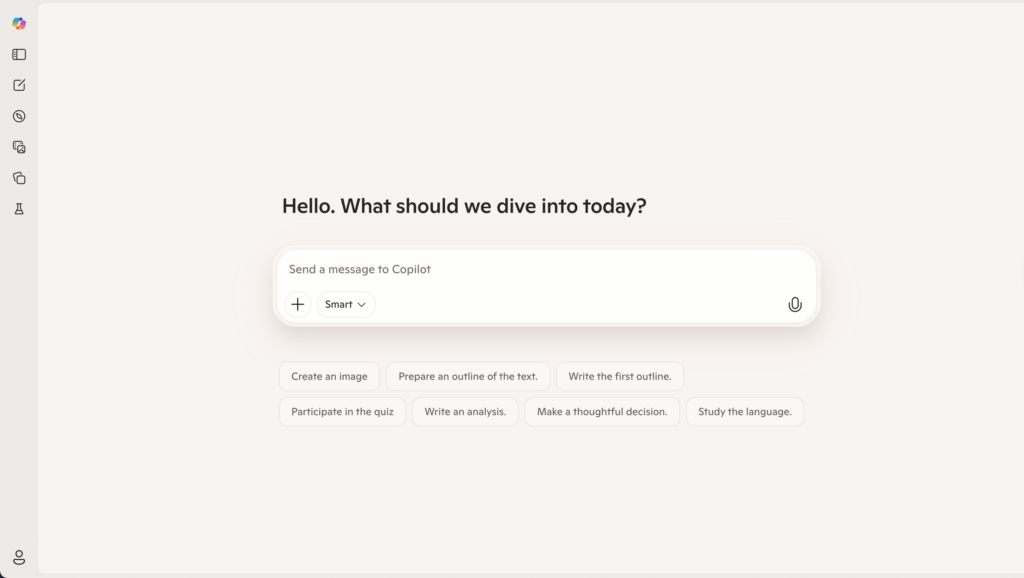
Microsoft Copilot embeds AI across Microsoft 365: Word, Excel, PowerPoint, Outlook, Teams, and more. It is less a separate workspace and more an AI assistant woven through the apps your organization already uses.
What it enables
Copilot enables AI embedded across Word, Excel, PowerPoint, Outlook, and Teams. It’s designed to help people do their current work faster inside Microsoft 365 rather than pulling them into a separate AI app.
Where it works well
- Companies that live inside Microsoft 365 every day
- Knowledge work: documents, emails, decks, spreadsheets, and meetings
Where it may not fit
- If you want a central, model‑agnostic AI workspace or self‑hosting
- If much of your stack is outside Microsoft’s ecosystem
Pricing
Generally a per‑user add‑on in the $18–30/month range, depending on plan and region.
TypingMind Teams – lightweight hosted alternative
TypingMind is a polished frontend for LLMs with a team offering that adds shared spaces, prompts, and basic admin. It’s more of a UX‑first chat and prompt hub than a full enterprise rollout platform.
What it enables
TypingMind Teams enables a hosted, polished multi‑model chat UI with folders, prompts, and some team features—without needing to run your own infra.
Where it works well
- Smaller teams that want more structure than one‑off chats, but don’t need full enterprise governance
- Power users who already have API keys and want a better UX
Where it may not fit
- If you require full self‑hosting like LobeChat or LibreChat
- If you need deep RBAC, SSO, and large‑scale rollout features
Pricing
Team plans typically start around $80–90/month including several seats, with extra seats priced per user.
Nexos.ai – LobeChat alternative for central LLM control
Nexos.ai is an AI workspace and LLM gateway designed to centralize how a company uses multiple large language models. It gives teams a single place to chat with different models, organize work into projects, and create task‑specific agents, instead of everyone juggling separate tools.
What it enables
nexos.ai enables a central LLM workspace and gateway: chat, projects, and agents on one side; model routing, logging, and policies on the other. It’s as much a control plane as a UI.
Where it works well
- Organizations that want a single control point for many LLMs and teams
- When security and leadership need visibility and governance around AI usage
Where it may not fit
- Very small teams that just want a simple or self‑hosted frontend
- Orgs that don’t yet need a full gateway or policy layer
Pricing
- nexos.ai offers a 7‑day free trial, with a Pro plan at €25/user/month and Enterprise plans on custom quotes;
OpenWebUI – LobeChat‑style alternative for local models
OpenWebUI is an open‑source web interface for local and remote LLMs. It’s popular with teams running local models or self‑hosted backends who want a simple, modern web UI.
What it enables
OpenWebUI enables a web UI for local and remote LLMs, typically running alongside open‑source or self‑hosted backends. It’s a strong fit for local inference setups.
Where it works well
- Technical teams running local models or their own inference stack
- When you want something you can run on your own machines with a browser UI
Where it may not fit
- Non‑technical orgs that don’t want to manage infra
- Teams needing structured rollout and governance out of the box
Pricing
Software is free; you pay only for infrastructure and any external APIs.
Mistral Le Chat – LobeChat alternative for Mistral‑only stacks
Mistral Le Chat is the hosted chat interface for Mistral’s models. It’s a simple way to use Mistral for Q&A, coding, and analysis, with some organization features on top.
What it enables
Mistral Le Chat enables hosted access to Mistral’s models through a simple chat interface and basic org features. It’s the easiest way to standardize on Mistral without building your own UI.
Where it works well
- Teams intentionally betting on Mistral models for performance, cost, or region
- Early‑stage experimentation around Mistral’s capabilities
Where it may not fit
- If you want multi‑provider support or self‑hosting
- If your teams need structured projects, knowledge, and governance on top
Pricing
Free tier plus paid organization tiers with per‑seat and usage‑based components.
Amazon Q – LobeChat alternative for AWS‑centric orgs
Amazon Q Business is AWS’s AI assistant for business users, integrated deeply with AWS services and many SaaS tools.
What it enables
Amazon Q enables AI over AWS resources and business data, with variants for business users and developers. It’s not a generic chat UI; it’s an assistant over your AWS and integrated data sources.
Where it works well
- Organizations that are already deeply invested in AWS
- Scenarios where you want AI to answer questions about infra, apps, or internal data connected through AWS services
Where it may not fit
- If you want a simple, self‑hosted frontend like LobeChat
- If your main need is a general multi‑model UI rather than AWS‑centric intelligence
Pricing
- Lite: $3/user/month.
- Pro: $20/user/month.
- Additional index hourly fees.
Which LobeChat alternative should you choose?
A simple way to decide:
Want something simple and hosted?
Go for ChatGPT Team, Claude Team, or TypingMind Teams.Want ecosystem integration?
Choose Microsoft Copilot, Google Gemini, or Amazon Q if you’re already deep in those stacks.Want engineering control and self‑hosting?
Stick with LobeChat, or look at LibreChat and OpenWebUI if you want different OSS trade‑offs.Want structured team‑wide adoption?
Use an adoption‑first platform like AICamp (and, in some cases, Nexos.ai or Langdock) when your real goal is shared knowledge, workflows, and governance not just a better chat UI.
At the feature level, many of these tools look similar. The real difference shows up months later, in whether AI is still stuck with a few power users or whether it’s become a structured, repeatable part of how your entire team works.